
A Quick Intro to Vibe Coding

As powerful as AI tools like ChatGPT, Claude, and Gemini currently are, you can't just go to them and ask for a professional software product you can deploy online with user signup and payments all built in. For that kind of work, you'd have to go to Replit.com or similar AI coding (a.k.a. "vibe coding") platforms. I've spent hundreds of hours on Replit and in this post I'll tell you about the best ways I learned how to use it and showcase some of the projects I've built. But first, some background on how we got here.
The rise of Vibe Coding
Large Language Models weren't even supposed to be able to code. But as they get bigger and better they showcase emergent capabilities that demonstrate how well they have learned about our world from their training data. When Sharif Shameem discovered that GPT-3 could code back in 2020, his tweet went viral and sent shivers down the spine of many in the industry who could see what was about to come.
This is mind blowing.
— Sharif Shameem (@sharifshameem) July 13, 2020
With GPT-3, I built a layout generator where you just describe any layout you want, and it generates the JSX code for you.
W H A T pic.twitter.com/w8JkrZO4lk
I used to say that AI research seemed to have an odd blind spot towards automation of programming work, and I suspected a subconscious self-preservation bias. The recent, almost accidental, discovery that GPT-3 can sort of write code does generate a slight shiver.
— John Carmack (@ID_AA_Carmack) July 19, 2020
I think it was around the summer of 2024 when Claude Sonnet 3.5 came out when I really felt like AI coding started to take off and many programmers started to see that it can do serious work. Many non-programmers like myself started to feel like they had new wings and could now build their own products without having to partner with or pay expensive programmers. That's around the time I got started with AI coding, tried a bunch of different tools, and landed on Replit.com as my favourite.
The best programmers in the world though, were still not using it as their main engine. They might use it for ideation or side projects, but not for their most important work. Gradually, however, they started noticing improvements. Andrej Karpathy, who is an OpenAI co-founder and one of the world's best AI engineers and AI educators, noted this improvement in a tweet in February 2025, where he coined the now famous term "vibe coding."
There's a new kind of coding I call "vibe coding", where you fully give in to the vibes, embrace exponentials, and forget that the code even exists. It's possible because the LLMs (e.g. Cursor Composer w Sonnet) are getting too good. Also I just talk to Composer with SuperWhisper…
— Andrej Karpathy (@karpathy) February 2, 2025
About a year later, Karpathy noticed that another major shift had happened in the capacity of LLMs to write software programs. By now, most of the world's software developers are vibe coding, and most of the code produced in many software companies is AI-generated.
It is hard to communicate how much programming has changed due to AI in the last 2 months: not gradually and over time in the "progress as usual" way, but specifically this last December. There are a number of asterisks but imo coding agents basically didn’t work before December…
— Andrej Karpathy (@karpathy) February 25, 2026
A Primer on Vibe Coding
I recorded a YouTube tutorial about AI coding back in late 2024 to showcase how everything evolved from copying-and-pasting bits and pieces of code from ChatGPT to a programming environment like VSCode, into artifact and canvas tools inside ChatGPT, Gemini and Claude that could just run simple one-page scripts right there so you didn't have to copy and paste the code elsewhere. But that's still not professional software that has an entire codebase with a file and folder structure you can back up and manage on GitHub.
For that kind of professional software development environment you need to go to specialized vibe coding platforms like Replit, Lovable, Cursor, Devin, Bolt, and Antigravity. These platforms are more like getting access to an entire team of professional software developers that will work on your project to bring your vision to life. And you should prompt them accordingly.
Research Before Vibe Coding
Before you get started with a vibe coding project, do some research on your idea. Figure out if it is even worth building. Check out the competition. Ideate. You can use any regular AI tool for this (e.g. ChatGPT, Claude, Gemini), and I highly recommend turning on the "Deep Research" mode in ChatGPT or Gemini for detailed reports gathering information that can be found on the web.
My Best Vibe Coding Prompts
Essentially, the first prompt you give to an AI coding tool should be like kicking off a contract with a team of developers, rather than just a quick thought. Most experts recommend that you develop a Product Requirements Document (PRD) with the help of a regular AI tool, before even approaching an AI coding tool. Here's the template of my favorite prompt for developing a PRD:
"I have the following rough idea for an app I want to build with [AI CODING PLATFORM]. Please review and critique the idea and help me work through it until you have enough information to write a complete Product Requirements Document. Here's the idea I have so far: ________"
A common problem with AI coding tools is that they don't have many creative ideas for the visual look and feel of your app on their own. If you want your app to have a distinctive design, work on the visuals and brand kit before you go to an AI coding platform. An example of a prompt you could use is:
I want to build a web application that [DESCRIBE FUNCTIONALITY]. The main audience for this is [DESCRIBE AUDIENCE]. Can you help me come up with three different suggestions for a color palette and visual styling guide for the brand kit? Ask me any details you need to know before making your final suggestions. Show me the three options in an interactive html page. Once finalized, I will need a full markdown document explaining the brand kit in detail so that I can give it as a reference to my developers.
Once you have a good PRD and style guide or brand kit, then you can start your vibe coding journey on a platform like Replit with a prompt like this:
Let's build the software product described in the attached Product Requirements Document, and make sure to follow the style guidelines in the attached brand kit.
Once you get started, once in a while the AI coding agent will stop and will need direction on what to do next. If it is not immediately obvious to you what the AI agent should do next, a good prompt is the following spec-driven development prompt (works best when putting Replit in plan mode):
Please refer back to the PRD located at [PATH TO PRD DOCUMENT] and compare it with the current state of the codebase, then plan the next development sprint.
Note that in Replit, attachments you include in your prompts are saved in the attached_assets folder which you can find in the right hand side file tree.
I don't recommend using Replit's built-in app testing feature, because it is a computer-use agent that eats up a lot of credits. Instead a more efficient way to test your app might be to write test scripts. A good testing prompt I have used is the following:
Can you develop a comprehensive testing framework with various use cases and edge cases to test the _____ features of the app? Design and run a comprehensive test suite as a script and record logs to understand behavior and identify any bugs. Create test endpoints if you need to. If you find any bugs work autonomously to improve them. If you run into authentication or login issues or lack of users find workarounds like synthetic data, mock users, or direct database entries.
More recently, in trying to make HelperBat.com accessible, I developed a pretty good prompt to implement accessibility guidelines:
Let's focus on ________. Please redesign this page to be as compliant as possible with accessibility standards such as Web Content Accessibility Guidelines (WCAG) 2.1 (https://lnkd.in/gDKqZ8w3), the US government ADA Standards for Accessible Design (https://lnkd.in/g6UiHhFK) and the Accessibility for Ontarians with Disabilities Act (https://www.aoda.ca/). Do this while maintaining as much of the on-brand style as you can.
My Current Portfolio of Vibe-Coded SaaS Products
I never got into vibe coding just to build prototypes. I've always strived to turn my more serious projects into full-fledged products, deployed in production on the web. I try to build things that solve my own problems, but I want other people to be able to use them too.
Here are the major projects I currently have ongoing, under active maintenance and improvement:
 AIScholar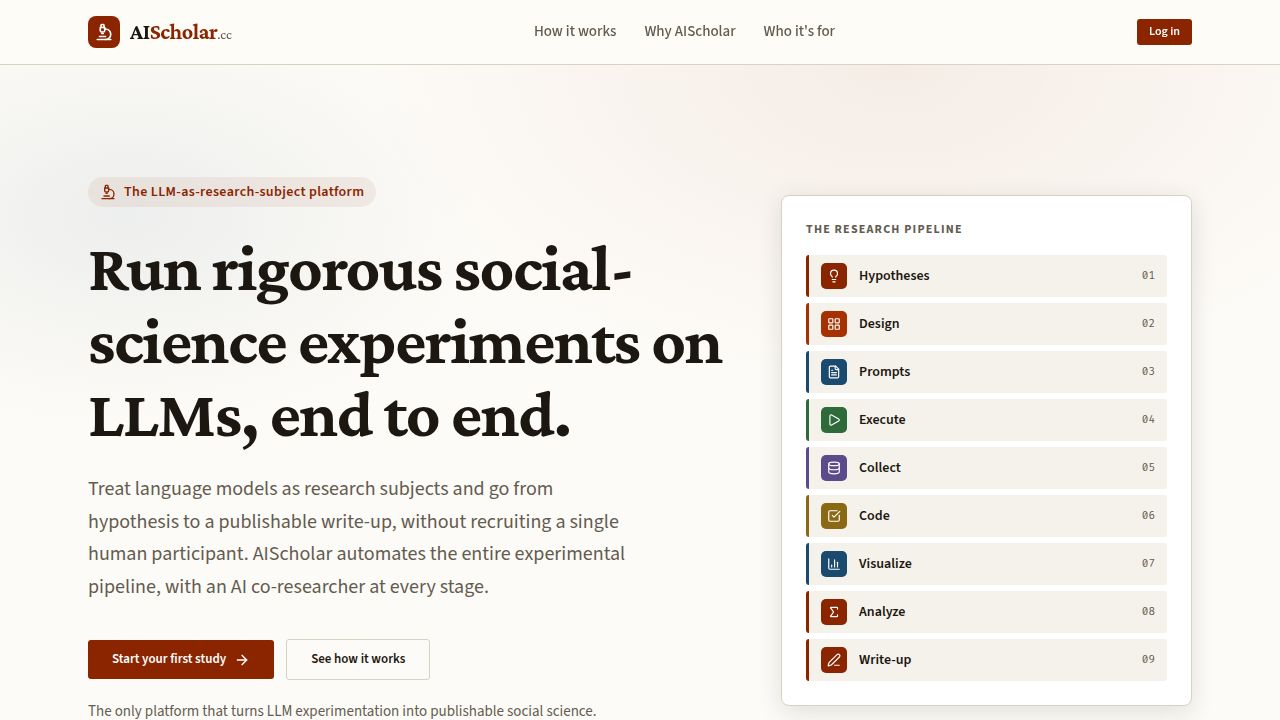
AIScholar.cc is a research automation platform that helps you systematically study Large Language Models as your research participants. It's my attempt to build proper harnesses around AI agents so that their behaviour in the research automation workflow is restricted when it needs to be and open-ended when it needs to be. The app is also a great way for students and young scholars to learn about research methods and experiment design.
 DigitVibe Corporation
CheckIt.so is an AI-powered document analysis platform designed to automate information extraction and the analysis of documents with Large Language Models. It can systematically analyze a batch of documents for a list of checks that you define, and it can do each check with multiple AI models specified by you, and it can store all the output nicely in an organized spreadsheet for you. It is great for many use cases such as checking a batch of documents for compliance, systematic literature reviews, analyzing a list of CVs, and comparing case studies.
 HelperBat
HelperBat.com is an AI-powered calendar management and meeting coordination system designed to replace Calendly and Doodle, and give you an AI-powered email assistant that manages your calendar and coordinates meetings. You can CC your HelperBat email assistant and ask it to coordinate times, change things on your calendar, create polls, and generally help with scheduling needs. You can also create a booking page like mine at HelperBat.com/mkeyhani. I built it because other AI-powered scheduling assistants were far too expensive!
 DigitVibe Corporation
ZeptoFlow.com is a no-code platform to build quick AI-powered automations such as the ones I built and use regularly at RecomBuilder.com (reference letter drafter), and Digitvibe.com/Networking (an email bot that suggests collaboration ideas). I built it because for some simple AI-powered automations, you shouldn't have to deal with the complexity of tools like Zapier and Make.com.
 DigitVibe Corporation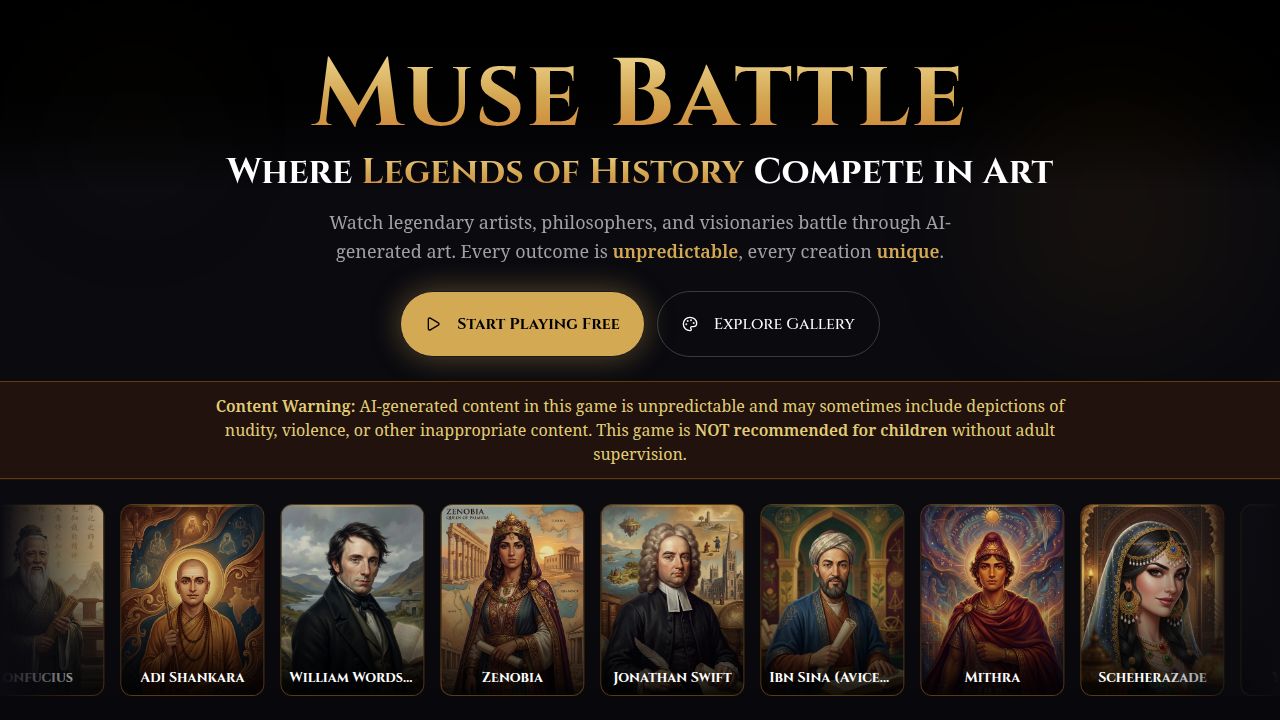
MuseBattle.com is a fun AI art battle game designed to be an AI literacy teaching tool. You choose a team of muse characters from history, literature or mythology, and in each battle you must select one of them to generate art against another player. The goal is to impress an AI judge muse that gets randomly chosen for each battle. You can view the gallery of images created so far on the app as well as the list of battles that have been played.
A Few Sunsetted Projects
I have built many more projects that I've learned from, most of which never launched. But several that I did launch publicly deserve a bit of an obituary:
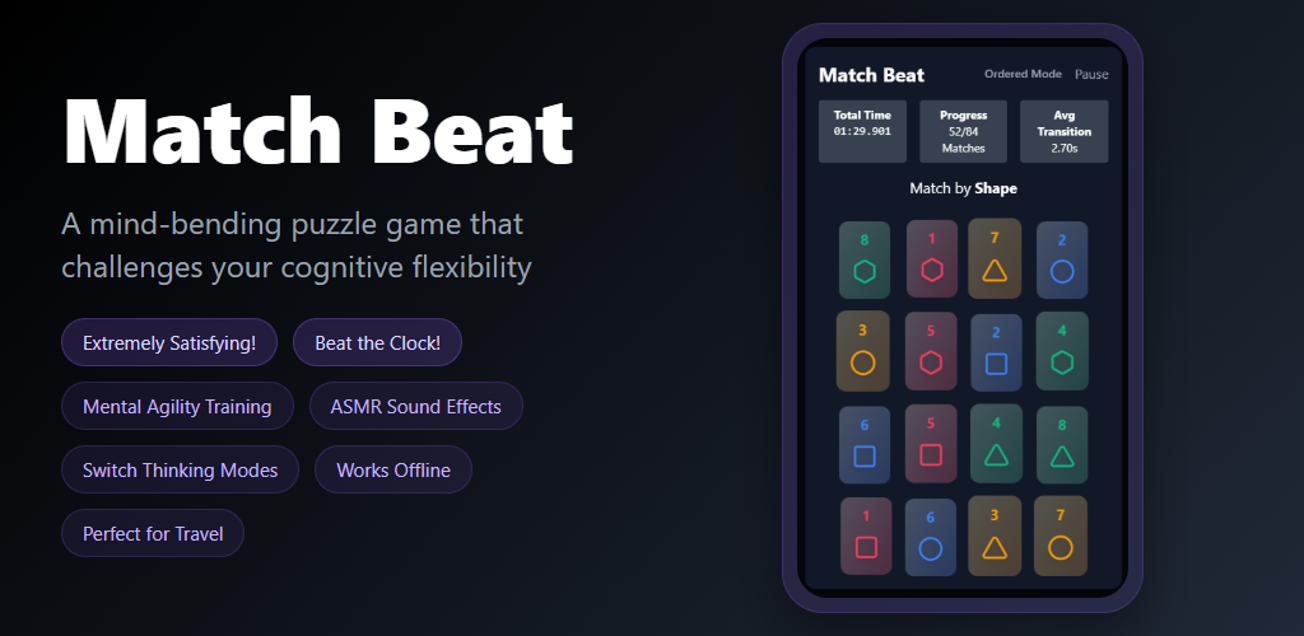
Match Beat was my first major vibe coding project, and the only time I every built a mobile app and published it on the app store. I did it to prove to myself that I could actually build a game that was fun enough at least for myself, and I succeeded. However, competition in the mobile games industry is intense and people don't easily pay for or install new apps. Furthermore, thinking about mobile games is a world of its own with many different best practices and lessons learned established in the industry that I am not necessarily aware of, and AI is still not that good at.
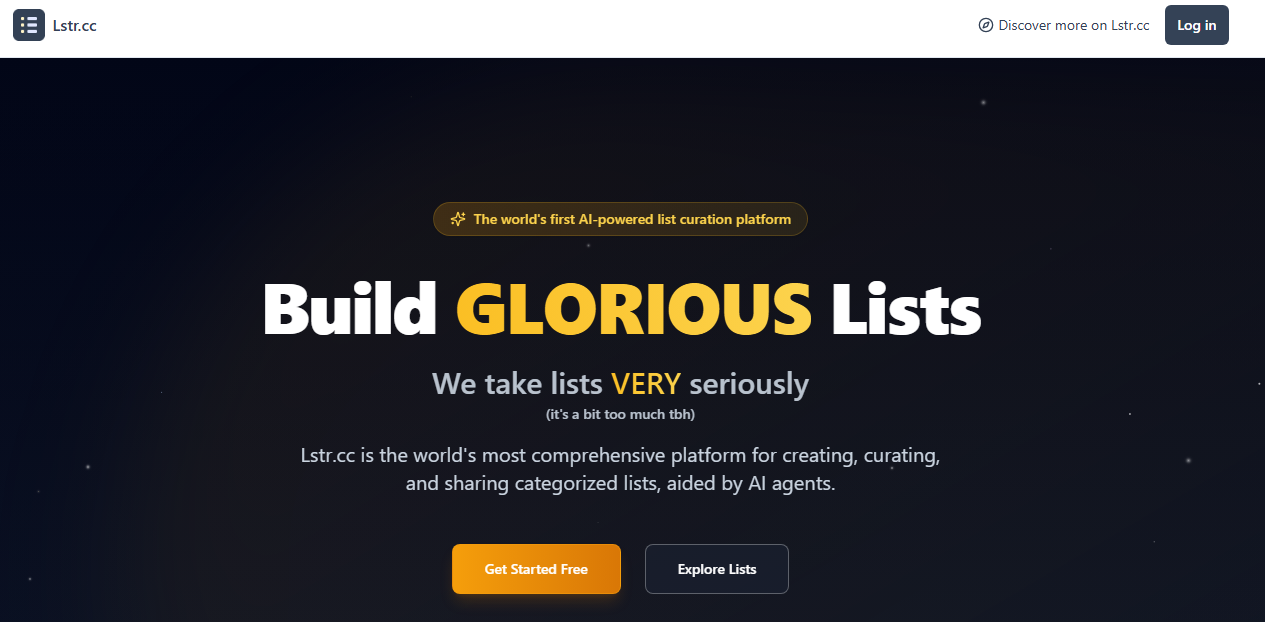
Lstr.cc came out of a real need that I had for a list curation platform after zeef.com closed down operations and my well known "Entrepreneur Tools" list on it no longer had a home. Using AI coding with Replit.com, I was able to build Lstr.cc after an unfinished attempt a few years earlier to build it with the no-code platform Bubble.io. Building Lstr.cc was the first major SaaS project I did with Replit. I feel that in the generative AI era, curated lists are not playing the role they used to, and people have found generally found new ways to discover new links and find what they need. Therefore, I've decided to discontinue Lstr.cc.
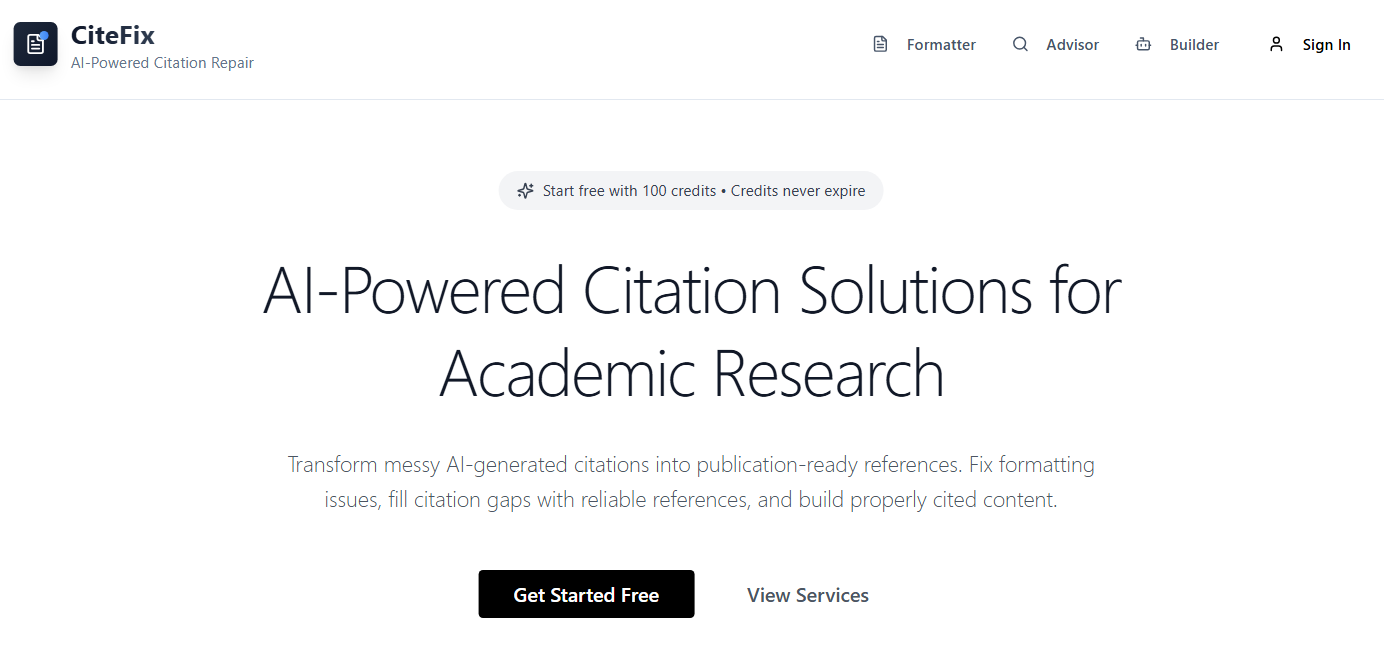
CiteFix.com came out of a real need to fix the terrible citations of typical "Deep Research" tools. But I was never able to fully solve the problem and CiteFix outputs were hit and miss. Plus, people learned ways to get better citations out of the regular AI tools with better prompting. Some of the ideas in CiteFix continue to live on in AIScholar.cc.
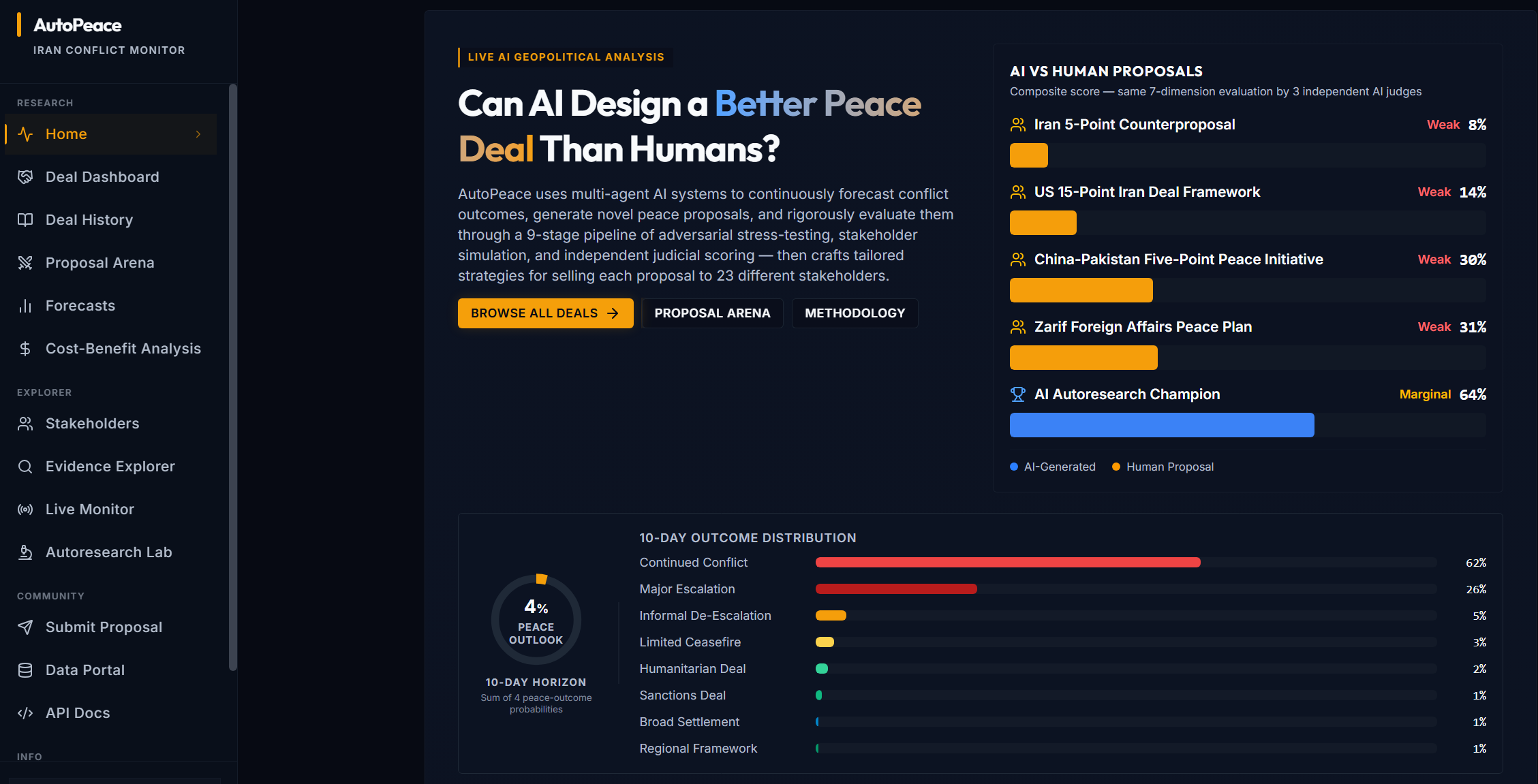
Lastly, AutoPeace.org was a little side project I made to see if a good Agentic AI system could use automated research (inspired by Karpathy's "Autoresearch" system) to automatically analyze and recommend peace deals for the current world conflict around Iran and the Strait of Hormuz. It had an interesting multi-agent system to evaluate different peace deals from the perspective of multiple stakeholders. I continue to have interest in research automation in general, and some of the ideas around autoresearch survived into AIScholar.cc.
Three days ago I left autoresearch tuning nanochat for ~2 days on depth=12 model. It found ~20 changes that improved the validation loss. I tested these changes yesterday and all of them were additive and transferred to larger (depth=24) models. Stacking up all of these changes,… pic.twitter.com/j34dSt4oht
— Andrej Karpathy (@karpathy) March 9, 2026
If you'd like to book me for a vibe coding workshop or other generative AI related speaking or educational event, check out my Speaking page.
Member discussion